See It in Your Room — Free AI Floor Visualizer

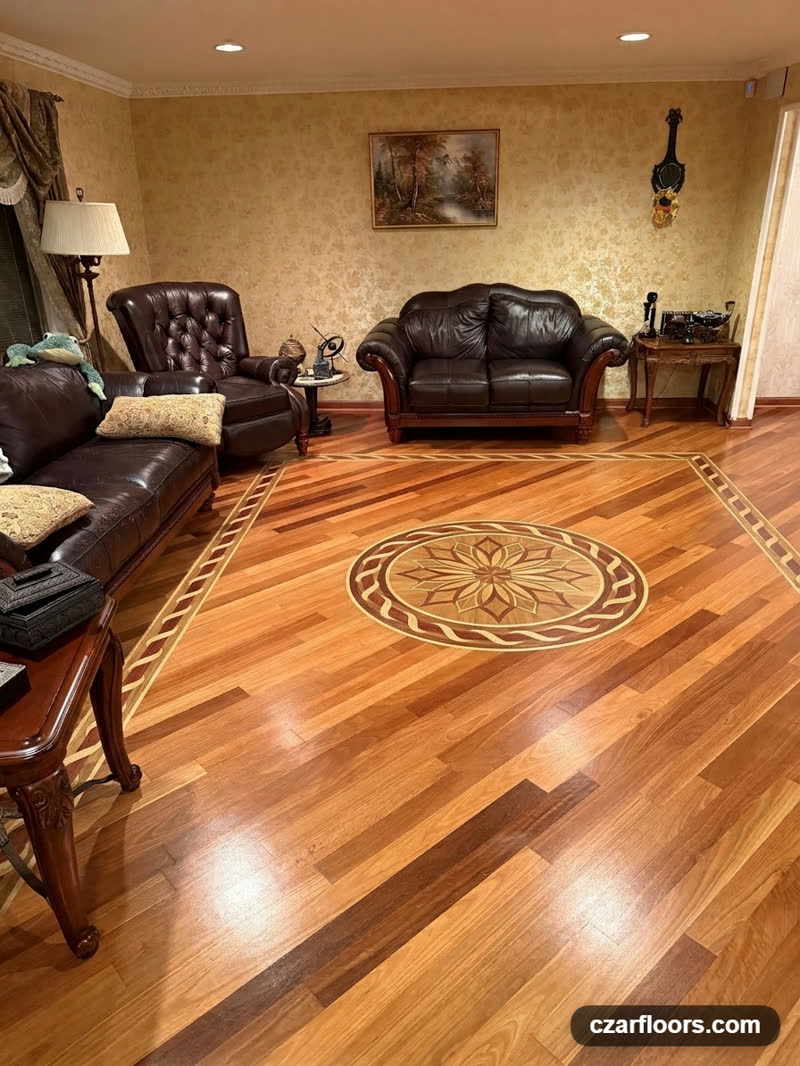
Photograph your room once — then see any Czar Floors design installed in it. Hardwood and stone medallions, decorative borders, and parquet floors, rendered into your own space by AI in seconds. Keep your existing floor and add an inlay, or try an entirely new floor. Free, no sign-up.

Try It Now

1 Add a photo of your room — or pick a ready room 2 Pick any design from our collection 3 See it installed in seconds — compare & download 4 Layer it — lay a floor first, then add a medallion or border on top

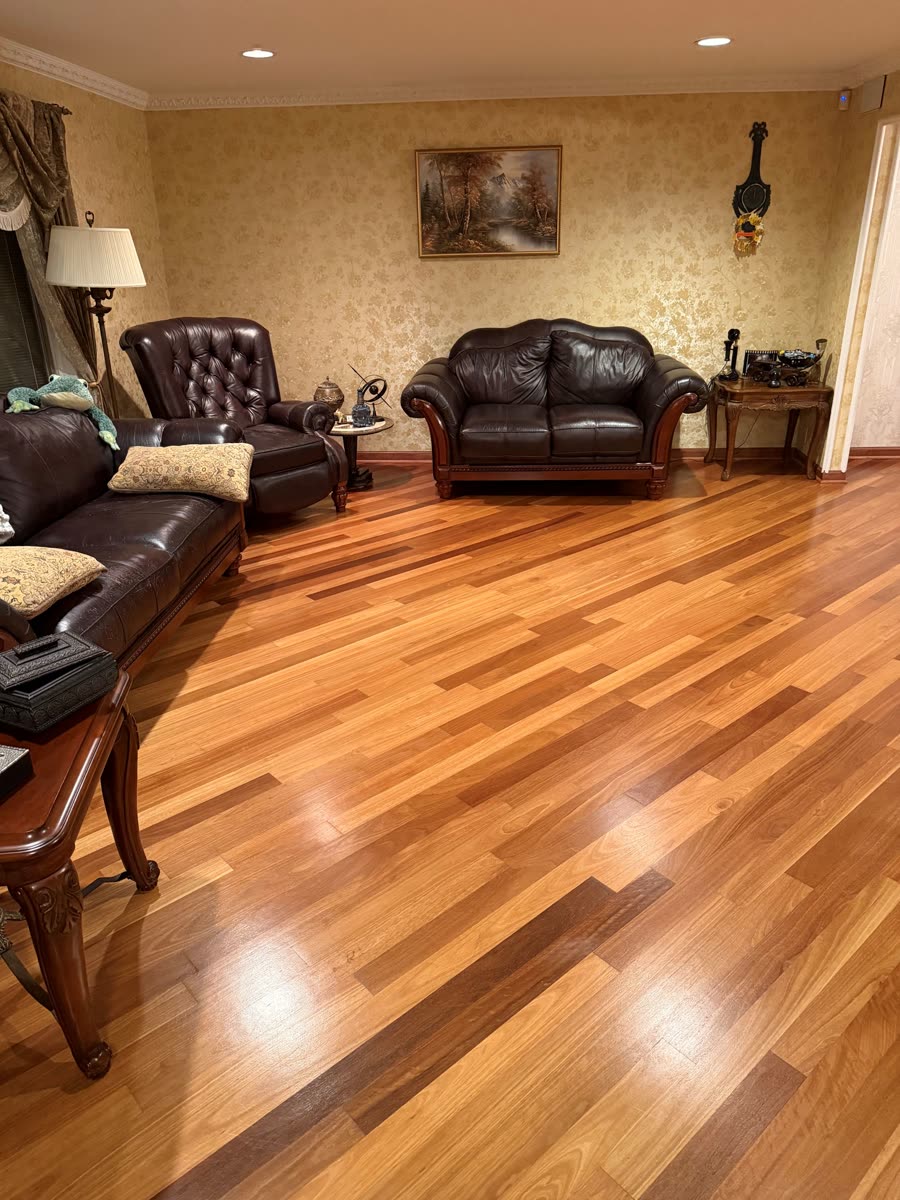
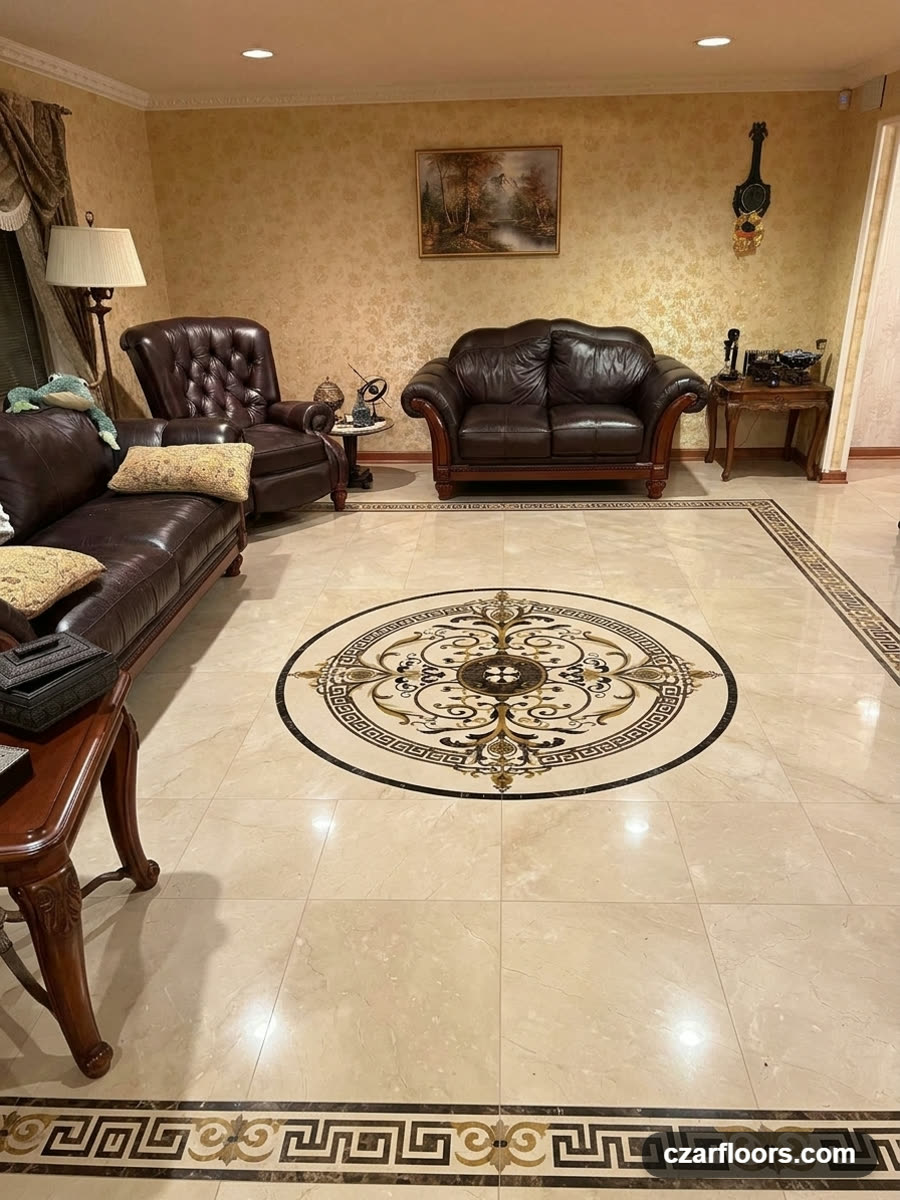
Drag the slider to see a customer room before and after — a stone medallion and border added to the real photo.

Customer living room before — plain hardwood floor The same living room rendered with a Czar Floors stone medallion and Greek-key border installed
Before After — AI preview

Step 1 — Add a photo of your room

Show the floor area. Your photo stays on this device for the browsing session and is never stored on our servers.

From a Photo to a Preview — Real Examples

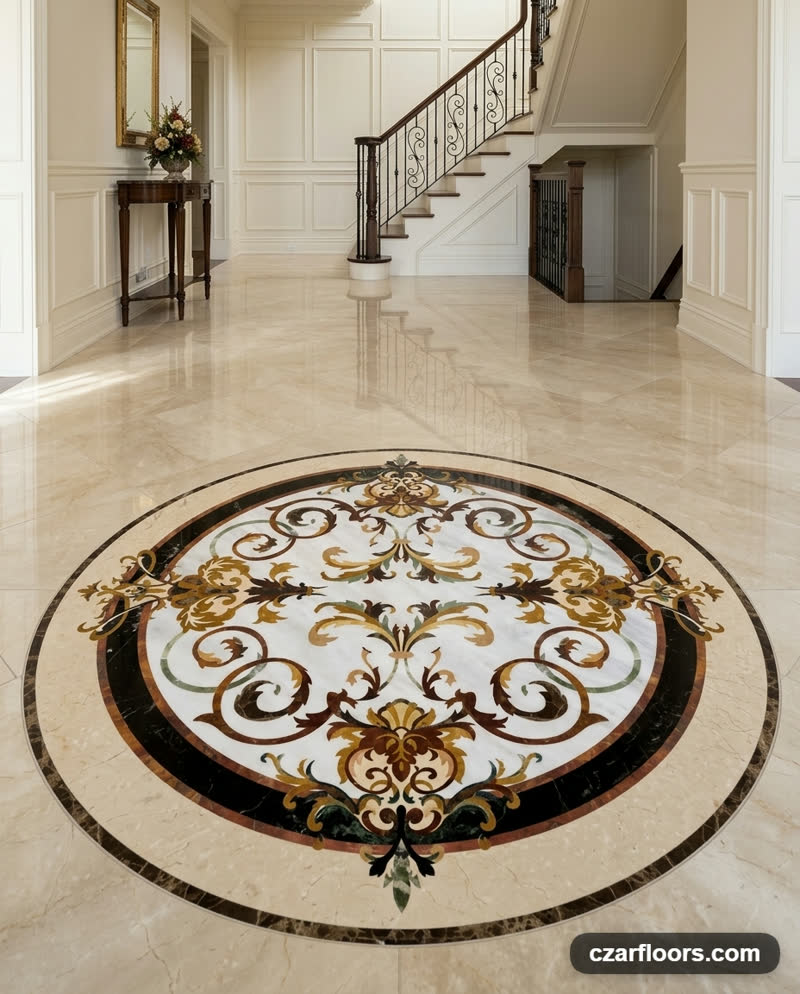
Rafael stone medallion AI preview in a classic foyer
Rafael stone medallion — foyer
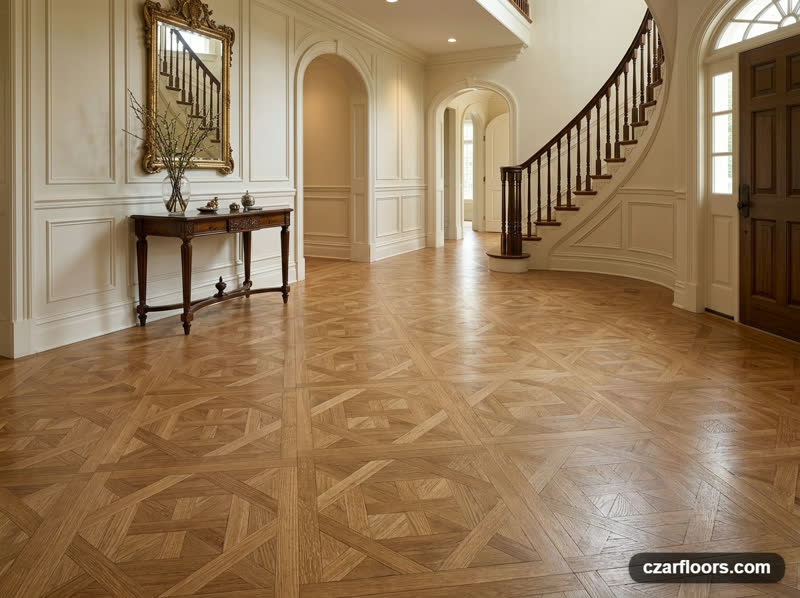
Bordeaux parquet AI preview in an entry hall with curved staircase
Bordeaux parquet — entry hall
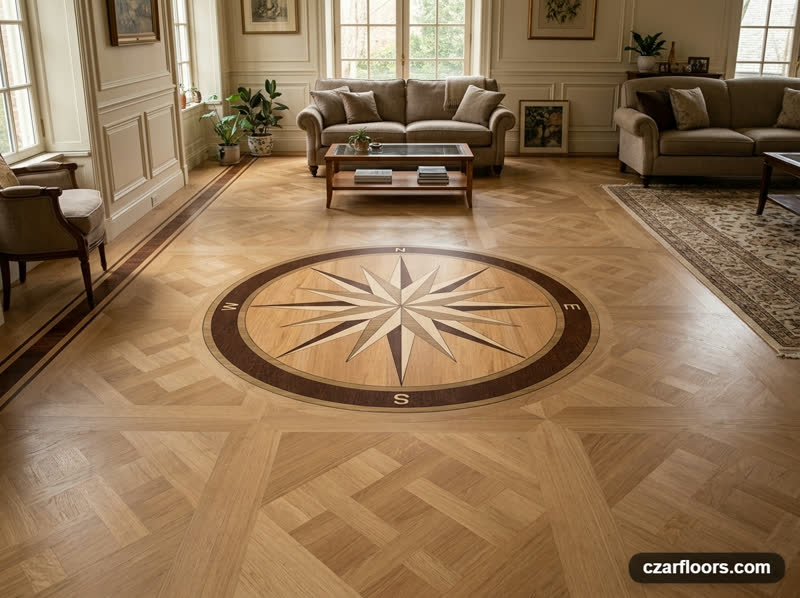
PC3 compass rose wood medallion AI preview
PC3 compass medallion
B2 decorative wood floor border AI preview
B2 wood border

Plan It for Real — Two More Free Design Tools

Floor Designer

Draw your room to its actual dimensions and plan a complete floor — parquet, borders, medallions, and aprons together — with exact quantities and a printable material list. It includes its own AI room preview.

Open the Floor Designer

Inlay Designer

Recolor any medallion or border in your own wood and stone palette, piece by piece. Preview your custom version in a room, share it, or request a quote. Opens with the SC2 compass medallion — or press Customize Design on any product page to start from that design.

Customize a Design

Floor Visualizer Common Questions

Which designs can I preview in my room?

The entire active Czar Floors collection — more than 300 designs: hardwood and stone medallions, decorative floor borders, and parquet floors, plus classic herringbone, chevron, and plank patterns in four wood species. You can also layer designs: create a floor preview first, then pick a medallion or border and choose Apply to: This preview (add on top) in the options to see it installed over your new floor.

Do I need a photo of my room?

No. A photo of your own room gives the truest preview — upload one from this device or send it from your phone with the QR code — but you can also let the visualizer stage a traditional or modern room around your chosen design. Your photo stays on your device for the browsing session and is never stored on our servers.

Is the floor visualizer free?

Yes. The visualizer is free and requires no sign-up. Each visitor can create up to ten AI previews per day.

How accurate is the AI preview?

It is a lifestyle visualization created for inspiration: pattern details, proportions, materials, and lighting may differ from your final installation. For exact dimensions and a material list, plan your floor in the Floor Designer or request a quote.

Check our FAQ page to find answers to other common questions.